Site visit reports that stay in your project folder
LiteSVR is a local-first site visit report tool for engineers and architects. Each report is a self-contained HTML file that lives in the project folder like any other document, and prints a compact client PDF.
A finished client PDF
Fictional report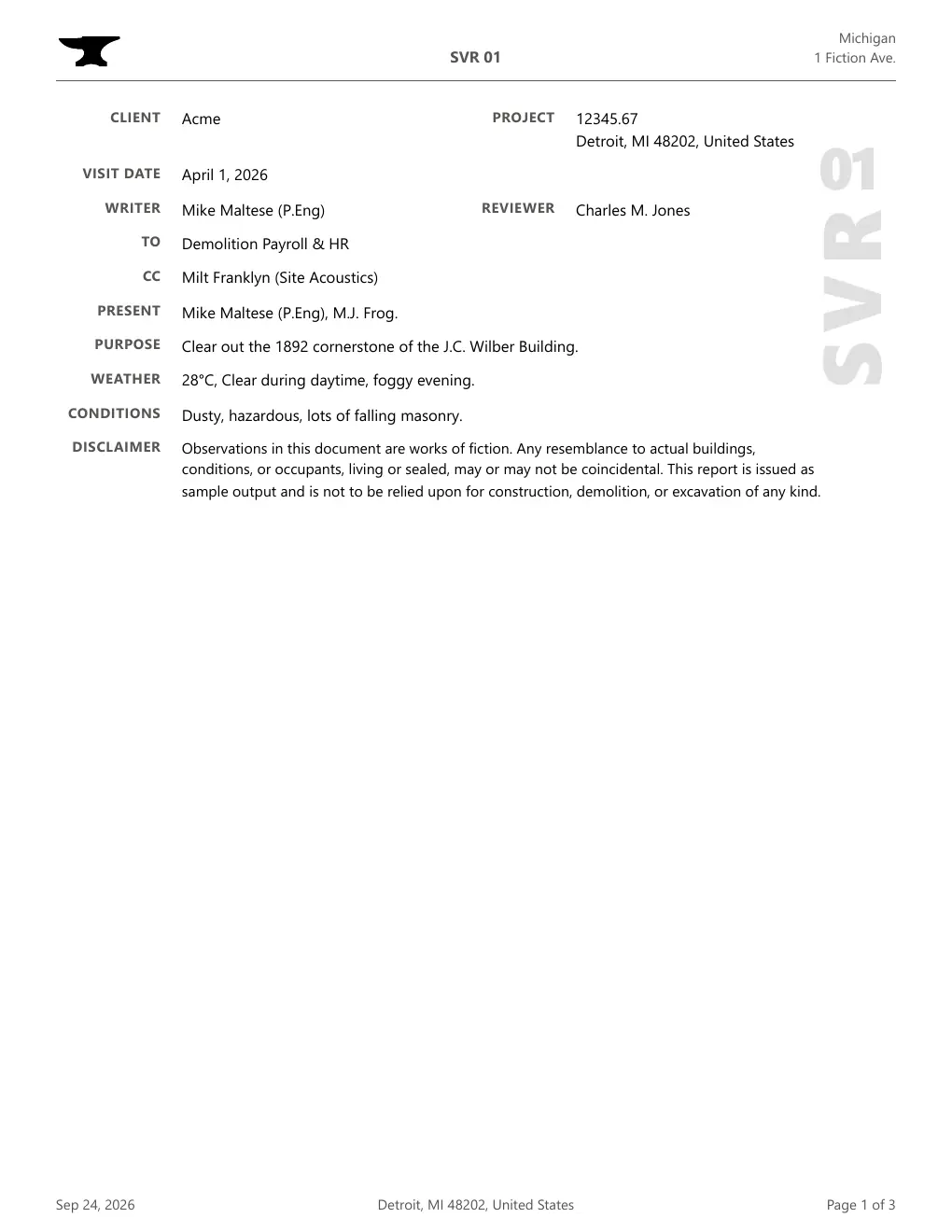
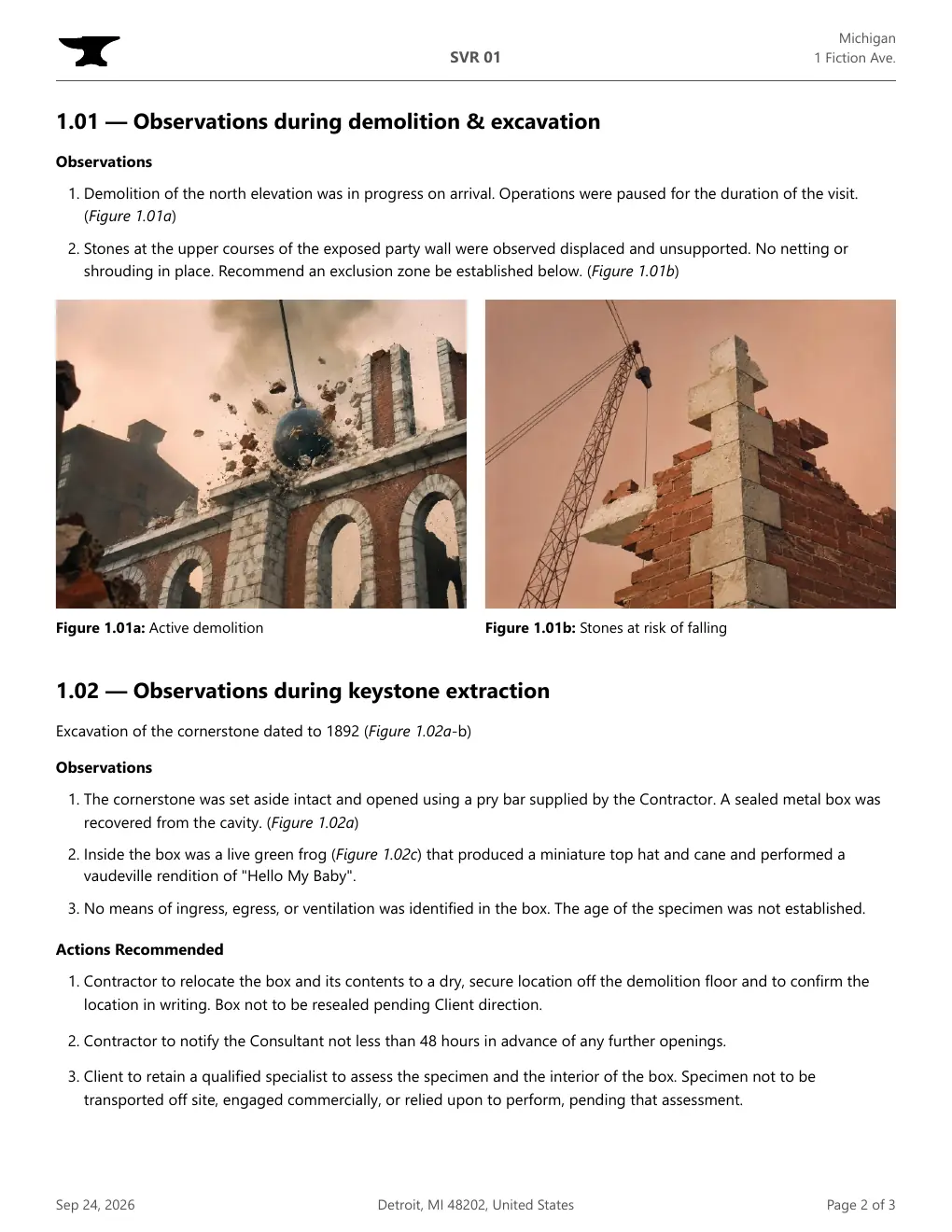
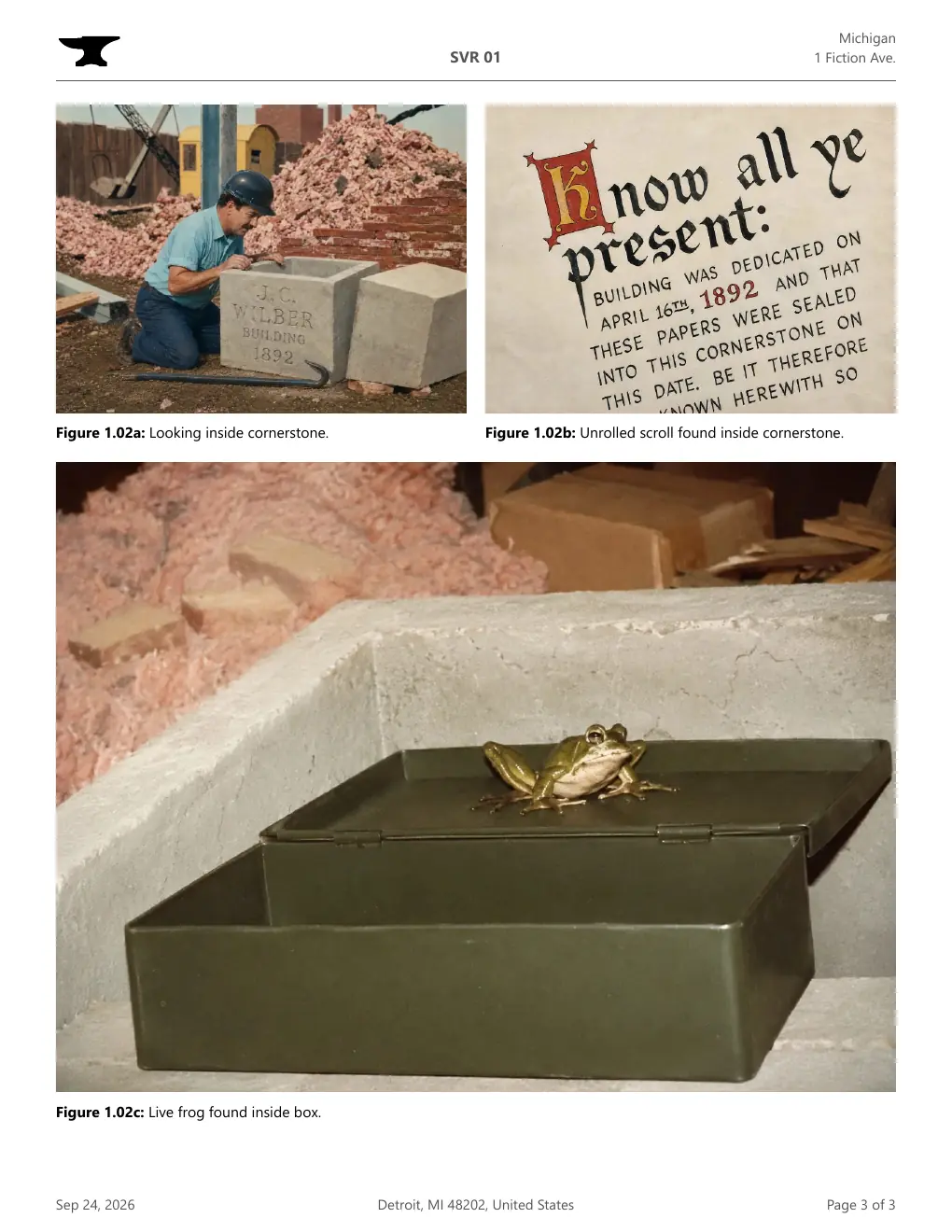
Swipe for pages 2 and 3.
Compared with a Word template
| With a Word template | With LiteSVR |
|---|---|
| Open items are retyped into every new report. | Change an item’s status. It stays on the project Action List until it is closed. |
| “See Figure 7”, but Figure 7 was deleted two drafts ago. | Missing and uncited figure references are flagged while you write. |
| Review comments must be stripped before the report is issued. | Comments stay in the file and never print. |
| Photos make the file and the PDF huge. | The 3-page example above, with five photos, is a 550 KB PDF. |
Lite means:
- A report-writing tool, not a construction-management platform.
- The report is the app. Save the HTML file in the project folder like any other document.
- Local files work offline. No account or hosted storage is required.
- Print compact client PDFs directly from desktop Chrome or Edge.
- No advertising. You probably got here by word-of-mouth.
Built for:
- My wife
- Engineers
- Architects
- HVAC consultants
Pricing
Individual
Free
Free for individual use, including at work. Saved copies never expire.
Firm
US$10 per person, per month
For the first five people, then US$2 per person, per month. Billed yearly. Needed once your firm standardizes on LiteSVR.
| Firm size | Per person, per month | Billed yearly |
|---|---|---|
| 3 people | US$10.00 | US$360 |
| 5 people | US$10.00 | US$600 |
| 10 people | US$6.00 | US$720 |
| 30 people | US$3.33 | US$1,200 |
| 100 people | US$2.40 | US$2,880 |
- Invitations aren’t billed until the person signs in.
- Each person counts once across all of your firm’s workspaces.
- No mid-year charges when you add people.
Full license terms · Already use LiteSVR through an office workspace? Sign in.
Flexible but encourages simplicity:
- Use preferred terminology. Issue Site Visit Reports, Field Review Reports, Site Review Reports, or your own standard. The term and abbreviation are set in the office settings.
- Flexible report sections. Organize observations by floor, building, trade, system, or discussion topic. There is no mandatory classification structure to complete first.
- PDF issuance stays with your tools. LiteSVR can reserve space for signatures and seals. Stamping, signing, and assembly remain in Bluebeam, Acrobat, or your existing process.